
DIY Vs Professional Tech Repairs: Which Is Better Long-Term?

Micromac Computers • June 30, 2026

There's a particular kind of dread that comes with a cracked screen or a laptop that won't boot. The instinct for many is to reach for a YouTube tutorial and a cheap toolkit, hoping a weekend project will save both money and time. Repair forums and online marketplaces make it look easy, with countless videos suggesting that anyone with a steady hand can fix almost anything. For anyone searching for tech repairs in Charmhaven, the real question isn't whether DIY is possible. It's whether it's worth the risk to your device, your data and your wallet over the long run.

Why First Impressions of DIY Savings Rarely Hold Up

DIY repair videos make everything look simple, but they rarely show what happens when something goes wrong halfway through. A stripped screw, a snapped ribbon cable or a misjudged amount of force can turn a small problem into a much larger one. What looks like a free fix on paper often ends up costing more once replacement parts or professional intervention become necessary, particularly when a second attempt is needed to undo the damage caused by the first.


The maths behind DIY savings tends to ignore:


  • The cost of tools you'll only use once.
  • Replacement parts if the first attempt fails.
  • The value of your own time spent troubleshooting.


Cheap upfront doesn't always mean cheap overall.

How Professional Diagnostics Catch What DIY Misses

A technician's first step isn't guesswork. It's a structured diagnostic process designed to identify the actual fault rather than the most obvious symptom. Many devices fail due to underlying issues that have nothing to do with the visible damage, and DIY repairs often address the wrong problem entirely. This is especially true with appliances and computers, where a single visible fault can mask two or three smaller issues working together.


Professional diagnostics typically uncover:


  • Hidden water or corrosion damage.
  • Faulty internal components unrelated to the visible issue.
  • Software conflicts mistaken for hardware failure.


Treating the wrong problem rarely solves anything.

What Happens When Warranties Are Ignored

Many devices still carry manufacturer or retailer warranties, even after their initial purchase period feels like a distant memory. Opening a device without authorisation, however, can void that protection instantly, leaving the owner fully responsible for future repairs. Some manufacturers go a step further and refuse service altogether once tampering is detected, regardless of whether the original fault was ever resolved.


Common warranty conditions affected by DIY work include:


  • Voided coverage after unauthorised disassembly.
  • Loss of eligibility for free part replacements
  • Denied claims due to visible tampering.


A warranty is only useful if it's still intact when you need it.

Can a Bargain Part Really Match the Original?

Replacement parts vary enormously in quality, and the cheapest option online isn't always a safe match for your device. Components such as batteries and screens are particularly prone to inconsistencies that affect performance and safety. It's not unusual for a budget part to function well for a few weeks before subtle problems start to surface, by which point the original fault may have been compounded by a new one.


Lower-grade components are more likely to cause:


  • Reduced battery life or overheating.
  • Screen discolouration or touch sensitivity issues.
  • Premature failure within months of installation.


Quality parts protect the investment you've already made in the device.

The Everyday Risks of Working on Live Electronics

Modern devices pack significant power into very small spaces, and that combination demands a level of care that's easy to underestimate. Even something as simple as replacing a phone battery carries genuine risk if handled incorrectly. Lithium batteries in particular are unforgiving of mistakes, and what starts as a minor slip with a tool can escalate quickly.


Working without proper precautions increases the chance of:


  • Short circuits from incorrect handling.
  • Battery punctures leading to overheating.
  • Electric shock during appliance repairs.


Confidence with a screwdriver isn't the same as safety with electronics.

When Small Businesses Can Least Afford Downtime

For small business owners, a single broken laptop or malfunctioning point of sale system can bring daily operations to a standstill. The financial damage of downtime often outweighs the original cost of repair many times over, and the impact tends to ripple outward, affecting staff productivity, customer service and even supplier communication.


Businesses face these operational risks during DIY attempts:


  • Extended downtime while troubleshooting unfamiliar issues.
  • Data loss affecting invoicing or customer records.
  • Delayed service to customers relying on functioning equipment.


Professional support keeps disruption to a minimum, particularly for those who rely on tech repairs in Charmhaven to get back to work quickly rather than losing days to trial and error.

What Professional Servicing Means for Device Longevity

Devices that receive proper, professional attention tend to perform better and last longer than those patched together with mismatched or improvised repairs. Technicians don't just fix the immediate fault, they also check for related issues that could shorten the device's lifespan, often picking up early warning signs that would otherwise go unnoticed until the device fails completely.


A professional service typically covers:


  • Internal cleaning to prevent overheating.
  • Verification that all components function as intended.
  • Recommendations to prevent recurring issues.


Longevity is rarely the result of a single quick fix.

Is Data Recovery Something DIY Can Really Handle?

Few repair tasks carry as much risk as attempting to recover data from a damaged device without the right expertise. Incorrect handling can permanently destroy information that might otherwise have been recoverable, and the pressure of losing irreplaceable photos or business files often leads people to rush the process even further.


When attempting DIY data recovery, you risk:


  • Overwriting recoverable files during failed attempts.
  • Further damaging already compromised storage drives.
  • Permanent loss of photos, documents or business records.


Once data is gone, no amount of regret brings it back.

Choosing Reliability Over Guesswork

When you weigh up the upfront appeal of DIY against the long-term value of professional care, the choice becomes clearer. Reliable repairs protect not just the device itself, but the time, money and peace of mind that come with knowing the job has been done properly, and that protection is worth far more than the short-term satisfaction of a quick fix gone right. We at Micromac Computers see this every day, helping homeowners, DIY enthusiasts and small business owners across the region who need dependable tech repairs in Charmhaven without the uncertainty of a trial-and-error approach. If your device needs attention, get in touch with our team and let us help you avoid the costly detours that come with going it alone.

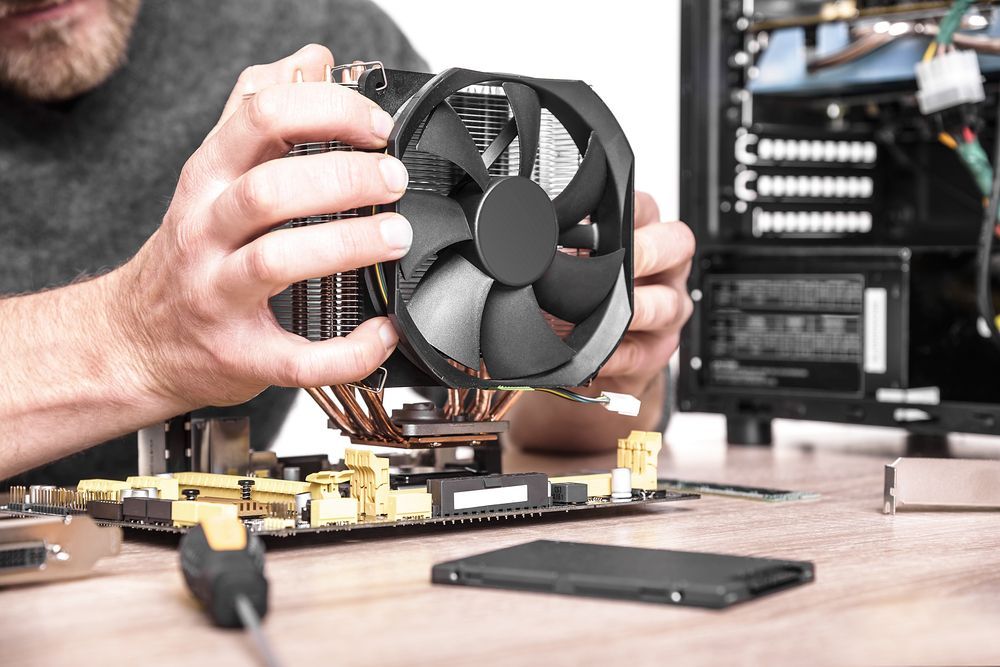
Close up of technician replacing cooling fan in a tower-style desktop computer.
By Micromac Computers August 5, 2026
Not sure which computer repair service to trust on the Central Coast? Here's what to look for, plus why locals choose Micromac Computers.
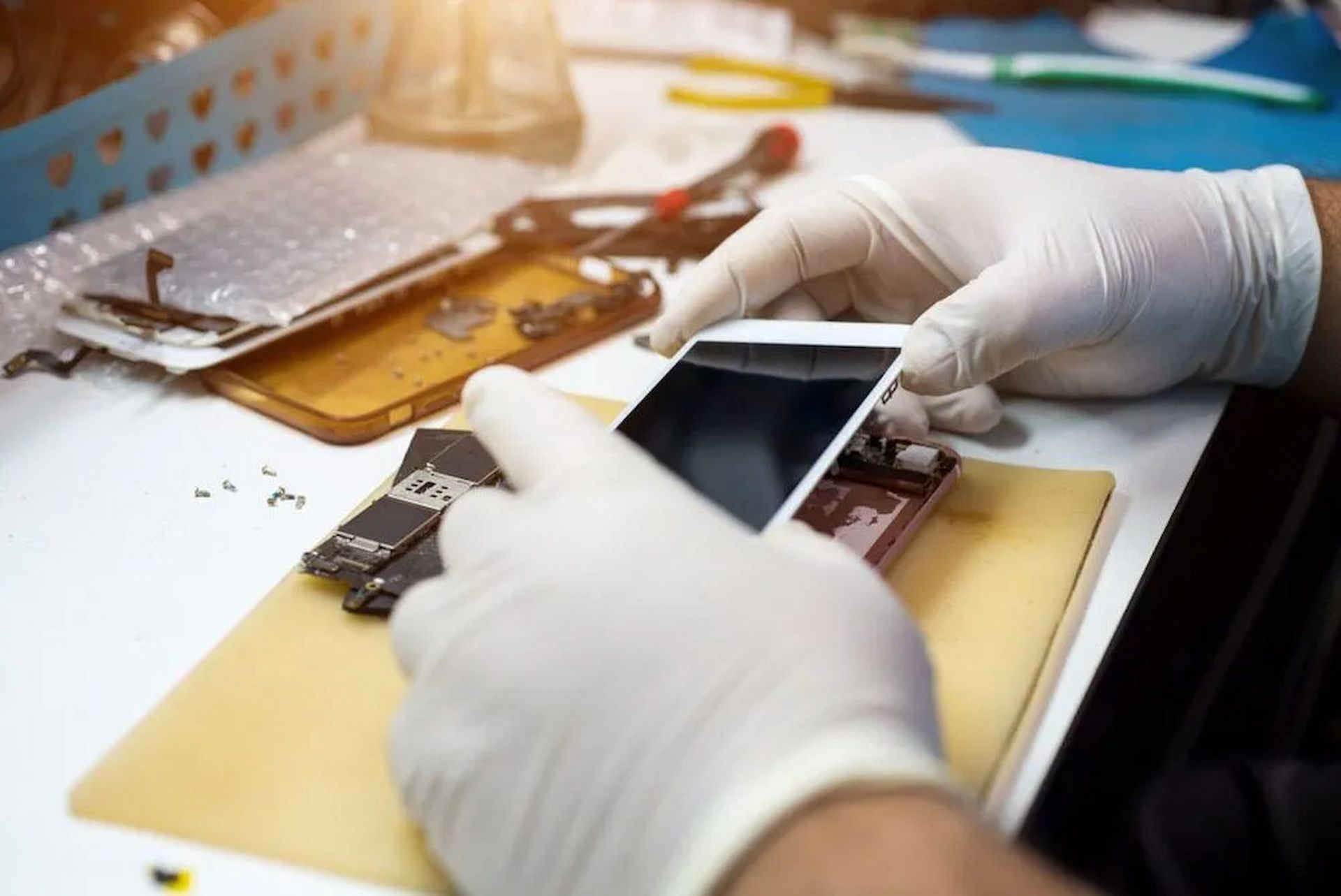
Technician Performing Phone Repairs On The Central Coast
By Micromac Computers June 1, 2026
Discover common phone issues and expert solutions with phone repairs on the Central Coast. Read the guide and get your device working again.
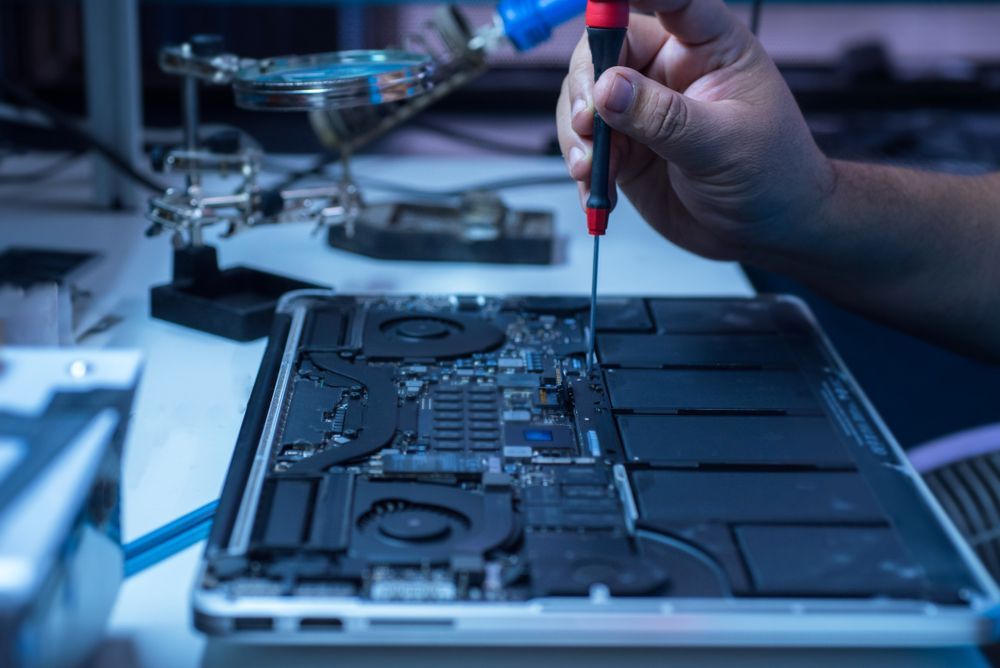
Technician repairing a laptop’s internal components with a precision screwdriver.
By Micromac Computers March 31, 2026
Spot the warning signs your computer needs repair, from slow performance and crashes to data risks, downtime and worsening hardware issues early.
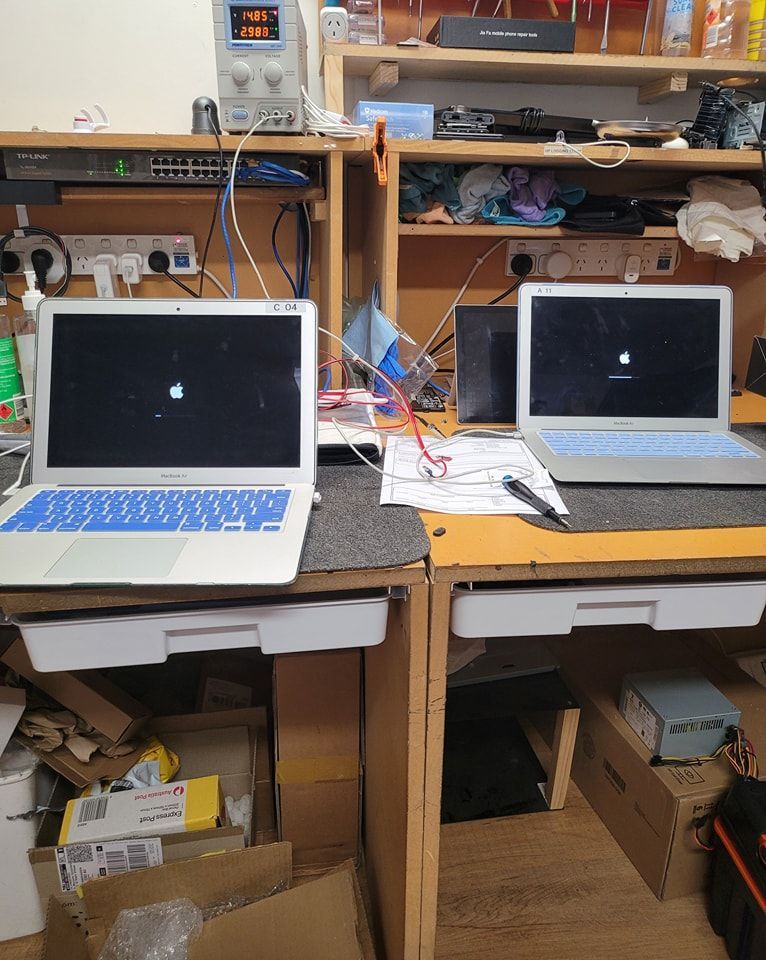
Two MacBooks Displaying Common Computer Problems Screens
By Micromac Computers March 26, 2026
Discover how expert technicians solve common computer problems. Get reliable computer repairs in Central Coast and keep your devices running smoothly.
Phone Repair Tools And Devices For Phone Repairs Central Coast.
By Micromac Computers February 19, 2026
Is your phone battery draining fast? Learn when to consider a replacement and get expert help from phone repairs in Central Coast today.