
Top 8 Common Phone Tech Issues And How Central Coast Experts Fix Them

Micromac Computers • June 1, 2026

Most people rely on their phones for nearly everything from communication and work to banking, photos and navigation. When something goes wrong, it rarely happens at a convenient time. A device that freezes mid-task, drains battery unusually fast or refuses to connect properly can quickly disrupt daily routines and productivity.


While some issues appear sudden, many develop gradually due to software strain, hardware wear or unnoticed system conflicts. Understanding what is happening behind the scenes helps make sense of the problem and highlights why professional diagnosis is often more effective than trial-and-error fixes. The following sections explore common phone and tech issues and how experienced technicians typically identify and resolve them.

1. Slow Device Performance

A slow phone or computer is one of the most common frustrations users experience. Over time, devices accumulate background processes, outdated apps and storage clutter that affect overall speed and responsiveness.


Technicians begin by assessing system usage, storage health and background activity to determine what is slowing the device down. In many cases, performance can be improved without replacing hardware.


Typical fixes include:


  • Clearing cache and unnecessary temporary files
  • Removing unused or resource-heavy applications
  • Updating operating systems and firmware
  • Optimising startup and background processes
  • Checking storage health and memory usage patterns

2. Virus and Malware Infections

Unwanted software can enter devices through downloads, suspicious links or compromised applications. These threats often run silently, affecting performance, privacy and security without immediate obvious signs.


A structured diagnostic process is used to detect malicious activity and remove harmful files safely. Technicians also check for vulnerabilities that may have allowed the infection in the first place.


Common solutions include:


  • Running full system security scans
  • Removing malware and suspicious applications
  • Repairing affected system files
  • Updating security patches and operating systems
  • Strengthening device security settings.

3. Wi-Fi and Connectivity Drops

Intermittent Wi-Fi or mobile data issues can make even simple tasks frustrating. These problems may be caused by network settings, hardware faults or interference from other devices.


Professionals usually test both the device and the network environment to isolate the cause. This ensures the issue is not misdiagnosed as a device fault when it may be configuration related.


Typical repair approaches include:


  • Resetting network settings and reconfiguring connections
  • Updating network drivers or firmware
  • Checking for signal interference or hardware faults
  • Testing SIM card functionality where relevant
  • Replacing faulty internal antennas if required.

4. Frozen or Unresponsive Screens

A phone or device that freezes or becomes unresponsive can indicate software crashes, overloaded memory or underlying hardware issues. While a simple restart may temporarily resolve it, recurring problems usually require deeper investigation.


Technicians review system logs and hardware performance to identify what is causing the freeze.


Common fixes include:


  • Force restarting and clearing system memory
  • Identifying and removing problematic apps
  • Updating or reinstalling operating systems
  • Checking internal storage integrity
  • Diagnosing touchscreen or display component faults 

5. Overheating Devices

Excess heat can impact performance and shorten the lifespan of internal components. Phones and laptops may overheat due to heavy usage, background processing or failing hardware.


A proper assessment helps determine whether the issue is software related or caused by physical damage or component wear.


Typical solutions include:


  • Closing or removing high-load applications
  • Updating software to improve efficiency
  • Cleaning internal components where dust buildup occurs
  • Checking battery health and power regulation systems
  • Replacing faulty thermal or power components if needed

6. Data Loss and Recovery Issues

Losing access to photos, contacts or important files can be stressful, especially when backups are not current. Data loss can occur due to accidental deletion, software corruption or hardware failure.


Specialists use controlled recovery tools to attempt retrieval without further damaging the storage system.


Common recovery processes include:


  • Diagnosing storage device integrity
  • Using secure data recovery software tools
  • Recovering files from corrupted partitions
  • Restoring data from cloud backups where available
  • Advising on future backup strategies

7. Software Glitches and App Crashes

Apps that crash unexpectedly or systems that behave unpredictably often point to software conflicts or outdated versions. These issues can build up gradually and affect overall usability.


Technicians focus on isolating the cause by testing system compatibility and reviewing recent changes.


Typical fixes include:


  • Updating or reinstalling affected applications
  • Clearing corrupted app data
  • Updating operating systems for compatibility
  • Removing conflicting or duplicate apps
  • Resetting system settings where necessary

8. Battery Drain and Hardware Failures

Rapid battery drain or inconsistent charging often signals wear in the battery or issues with internal components. Hardware faults can also affect performance, charging speed and device stability.


A full diagnostic check is usually required to confirm whether replacement or repair is needed.


Common solutions include:


  • Testing battery health and charge cycles
  • Replacing degraded batteries
  • Inspecting charging ports and connectors
  • Checking internal power management systems
  • Repairing or replacing faulty hardware components

Ready to Fix Your Device? We’re Here to Help 

At Micromac Computers, we understand how disruptive it can be when your devices stop working properly. From slow performance and software glitches to hardware faults and data concerns, we provide practical repair solutions tailored to your needs.


If you are searching for phone repairs on the Central Coast, our team is here to help. We also support customers needing tech repair on the Central Coast with clear diagnostics and straightforward solutions that keep your devices running smoothly.


Get in touch with us today to book a repair or speak with a technician about your issue.

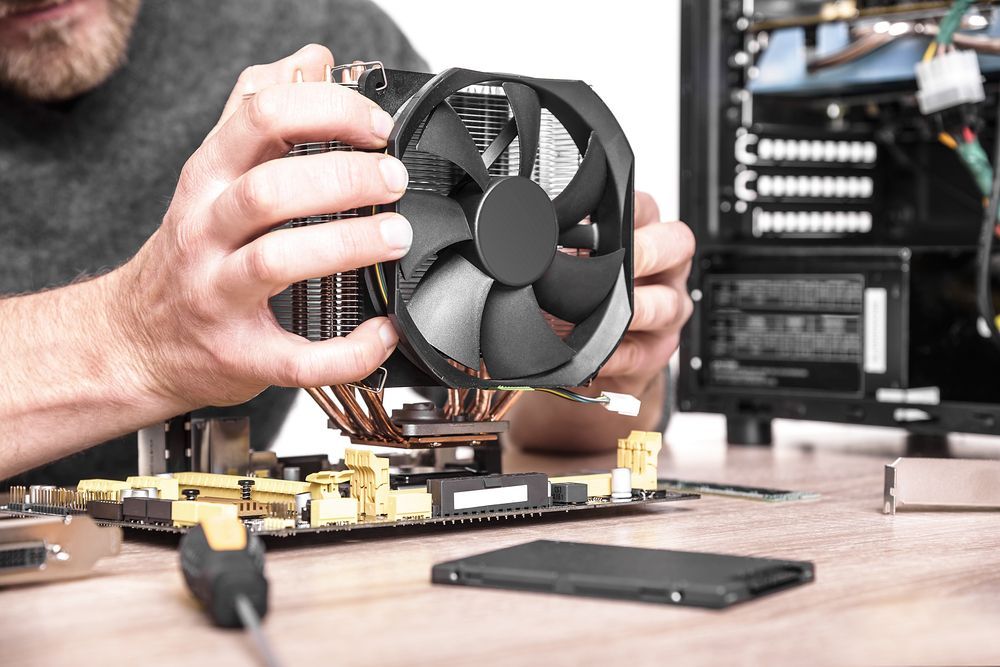
Close up of technician replacing cooling fan in a tower-style desktop computer.
By Micromac Computers August 5, 2026
Not sure which computer repair service to trust on the Central Coast? Here's what to look for, plus why locals choose Micromac Computers.
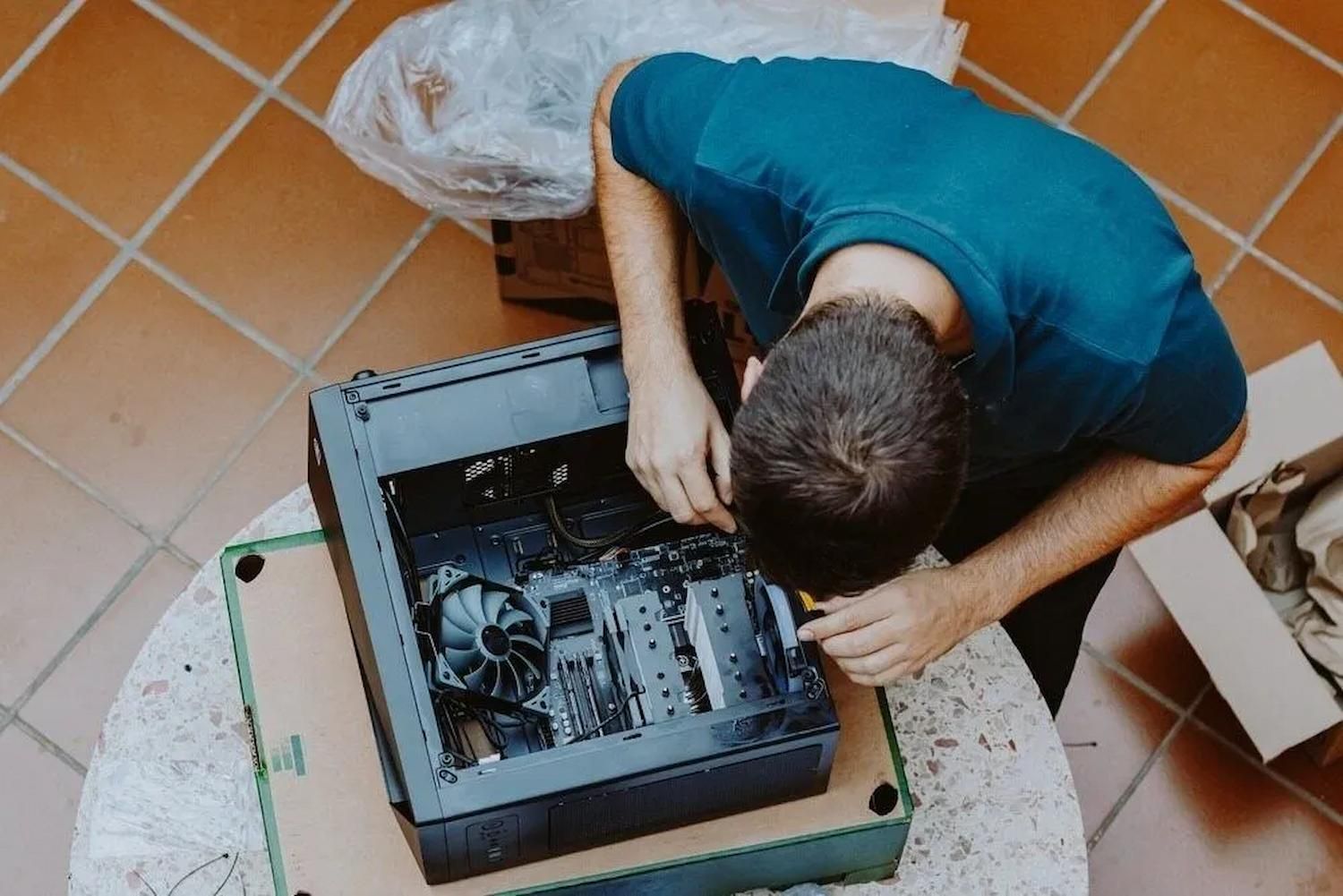
Tech Repairs In Charmhaven Fixing A Desktop Computer
By Micromac Computers June 30, 2026
Need lasting solutions? Compare DIY with tech repairs in Charmhaven to avoid costly mistakes and make the right choice. Read the guide today.
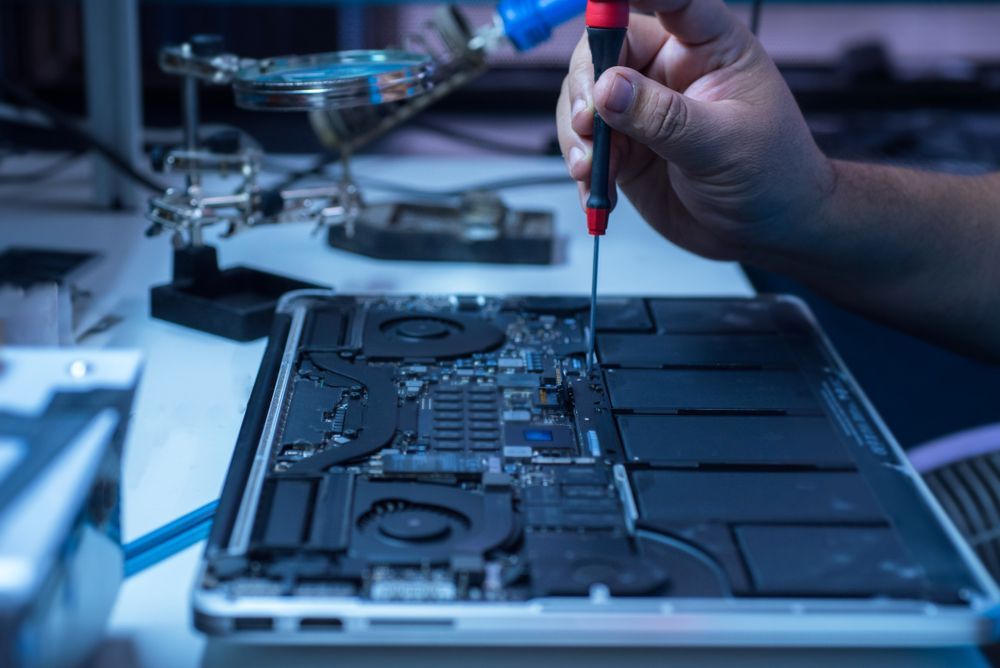
Technician repairing a laptop’s internal components with a precision screwdriver.
By Micromac Computers March 31, 2026
Spot the warning signs your computer needs repair, from slow performance and crashes to data risks, downtime and worsening hardware issues early.
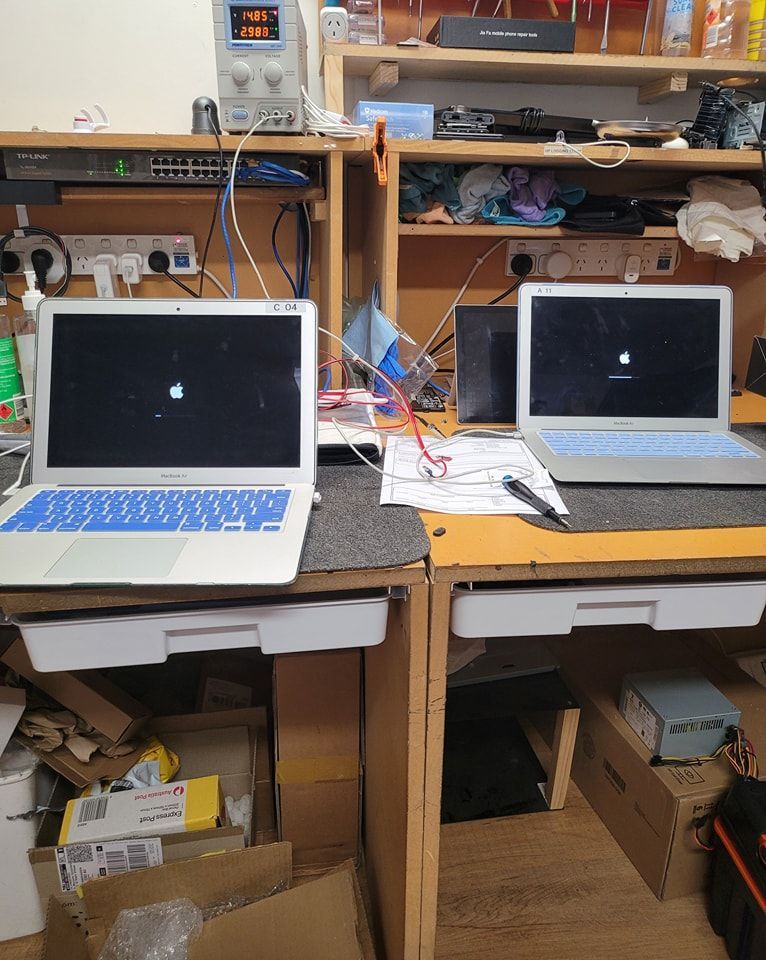
Two MacBooks Displaying Common Computer Problems Screens
By Micromac Computers March 26, 2026
Discover how expert technicians solve common computer problems. Get reliable computer repairs in Central Coast and keep your devices running smoothly.
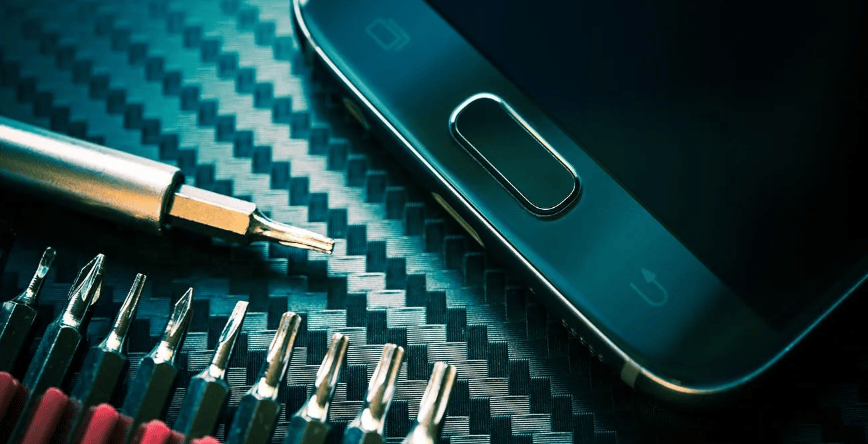
Phone Repair Tools And Devices For Phone Repairs Central Coast.
By Micromac Computers February 19, 2026
Is your phone battery draining fast? Learn when to consider a replacement and get expert help from phone repairs in Central Coast today.