How to Choose the Best Computer Repair Service in Central Coast
Your computer is grinding to a halt mid-deadline. A screen that simply won't come on. A virus quietly working through your files. These are frustrating, sometimes alarming situations, and the last thing you want is to hand your device to someone who guesses their way through a fix. Knowing how to find quality computer repairs on the Central Coast means knowing what to actually look for, not just who shows up first in a search.
Signs It's Time to Call a Computer Repair Technician
Most people push through longer than they should before calling for help. A computer that's slower than usual, running hot, freezing randomly or throwing up error messages you don't recognise is already telling you something is wrong. Waiting often makes the underlying issue worse and more expensive to address.
These are some of the most common signs it's time to get a professional involved:
- The system takes an unusually long time to start up or shut down
- Programs crash without warning or refuse to open
- The screen displays unusual colours, lines or goes blank without reason
- You hear clicking or grinding from inside the machine
- Files or folders have disappeared or become inaccessible
- Your antivirus has flagged something it can't remove on its own
Experience Matters: Why Local Know-How Beats a Quick Fix
A technician who has spent years working on a wide range of machines will diagnose an issue more accurately than someone who has only ever followed a troubleshooting script. Computer problems often have overlapping causes — what looks like a software issue can turn out to be a failing hard drive, and misidentifying the root cause means the problem comes back.
Local experience adds another layer of value here:
- Familiarity with the types of devices common in home and small business environments
- Understanding of how local network conditions and infrastructure can affect performance
- A track record with the community, not just with a help desk queue
- The ability to follow up in person if something isn't resolved correctly the first time
Turnaround Time — How Fast Should a Repair Really Take?
Reasonable turnaround depends on the complexity of the fault, but most standard repairs, including virus removal, software reinstalls and hardware replacements, should be completed within a few business days. If a technician quotes you several weeks for a straightforward fix without a clear reason, it is worth asking questions.
A few things that affect how quickly your repair gets done:
- Whether parts need to be ordered, especially for older or less common models
- The current volume of jobs at the workshop
- Whether a full diagnostic is needed before the repair scope is confirmed
- The availability of on-site versus workshop service for your situation
Transparent Pricing: What to Ask Before You Book a Repair
Unexpected costs are one of the most common complaints people have about repair services. A reputable provider will offer a clear diagnostic process and explain what they found before asking you to approve any work. You should never receive a bill significantly higher than what was discussed upfront.
Before you commit to any repair, it is reasonable to ask:
- Whether there is a fee for the initial diagnostic, and whether it applies to the repair cost if you proceed
- How the pricing is structured — flat rate, hourly or parts-plus-labour
- Whether you will be contacted for approval before any additional work is carried out
- What happens if the repair is not successful
Warranty on Repairs: Your Safety Net for Peace of Mind
A warranty on repair work signals that the technician stands behind the quality of what they have done. Without one, you have no recourse if the same fault reappears a week later. Reputable repair services will offer a warranty on both parts and labour, so it is worth clarifying this before you leave your device.
Key things to understand about repair warranties:
- How long the warranty period covers — 30, 60 or 90 days is typical for most labour warranties
- Whether the warranty covers just the specific fault repaired or extends to related issues arising from the same job
- What the process is if something goes wrong during the warranty period
- Whether parts carry the manufacturer's warranty in addition to the repairer's own guarantee
Local Reputation — How to Check If a Repair Service Is Trustworthy
Online reviews give you a window into how a business actually treats its customers, beyond what they say about themselves on their own website. Look for patterns rather than individual comments — a business with consistent feedback about clear communication, honest advice and follow-through is a stronger signal than one five-star review from a year ago.
Practical ways to assess a local repair service before you commit:
- Check Google reviews, looking at both the overall rating and the content of recent feedback
- Look for mentions of specific technicians or outcomes, not just general praise
- Ask whether the business is a registered service agent for any major brands
- Find out how long they have been operating locally — longevity often reflects a sustained reputation
Why Central Coast Locals Choose Micromac Computers
There are several computer repair options near me available across the region, but sustained local trust is built over time, not just with a Google ad. Since 2000, Micromac Computers has been diagnosing and repairing desktops, laptops, Macs and PCs of all brands for home users and businesses across the Central Coast. The team includes Microsoft-certified technicians and is a registered service agent for major vendors including Acer, HP and Hewlett Packard.
What sets the service apart in practical terms:
- Over 20 years of hands-on local experience across residential and commercial clients
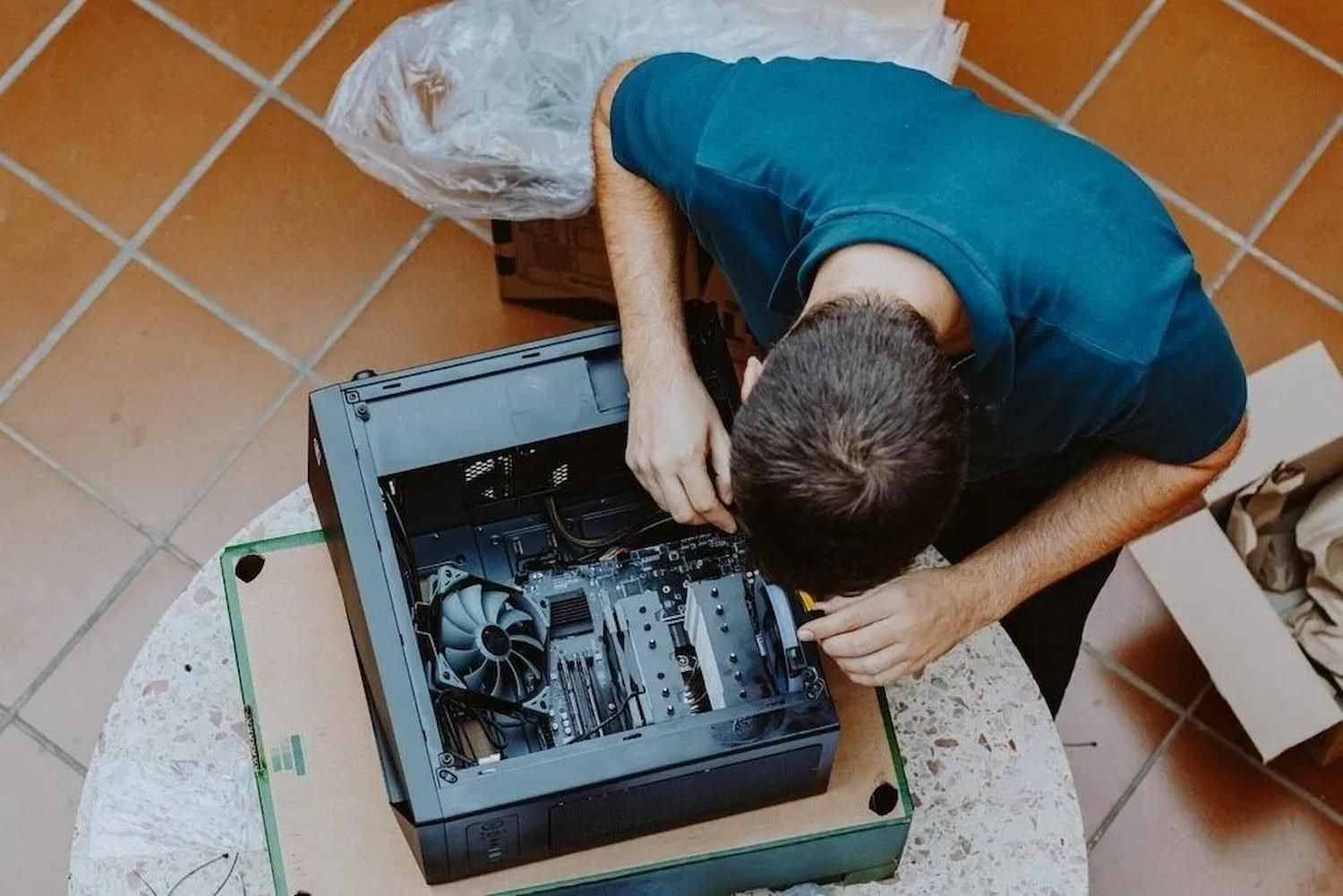
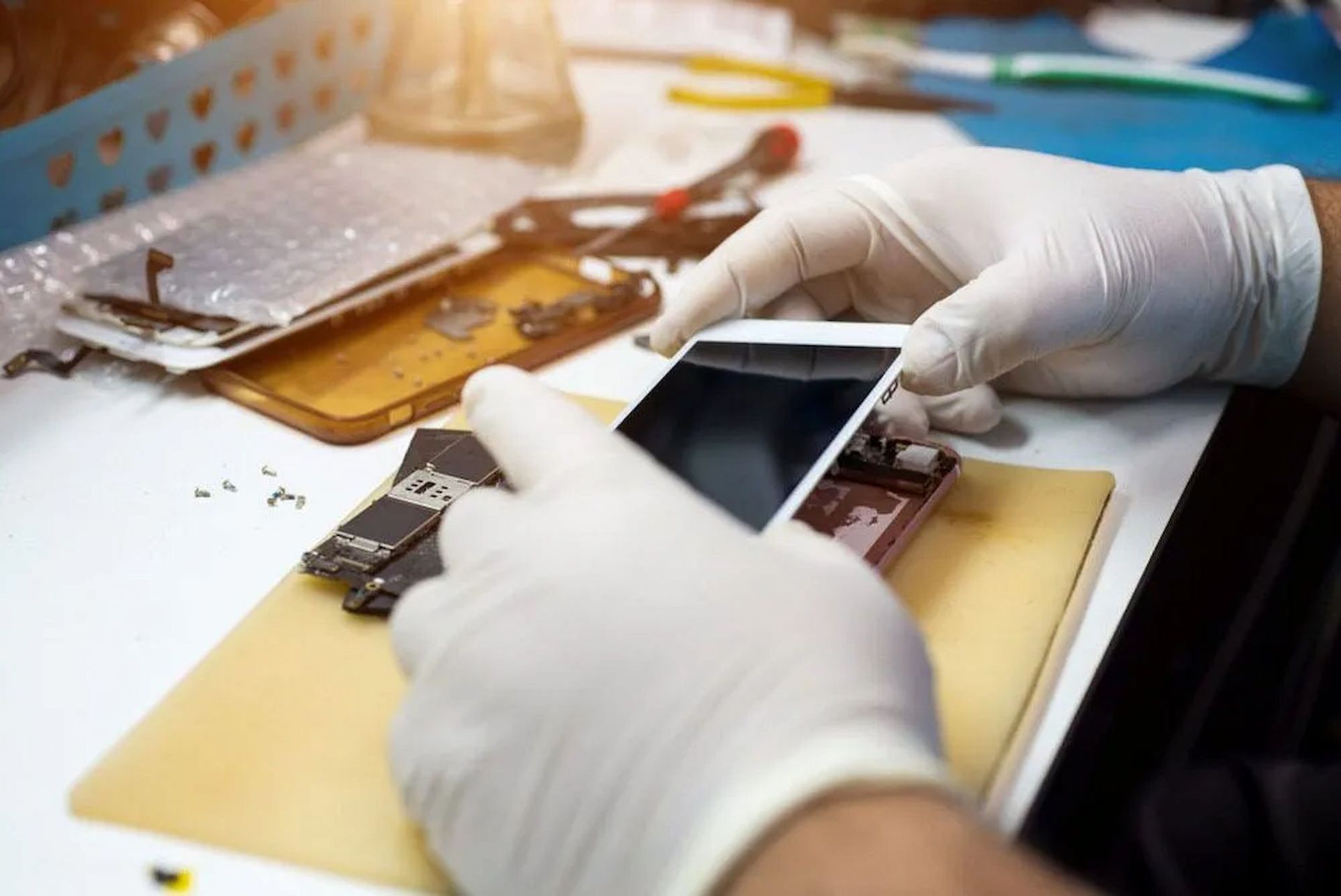
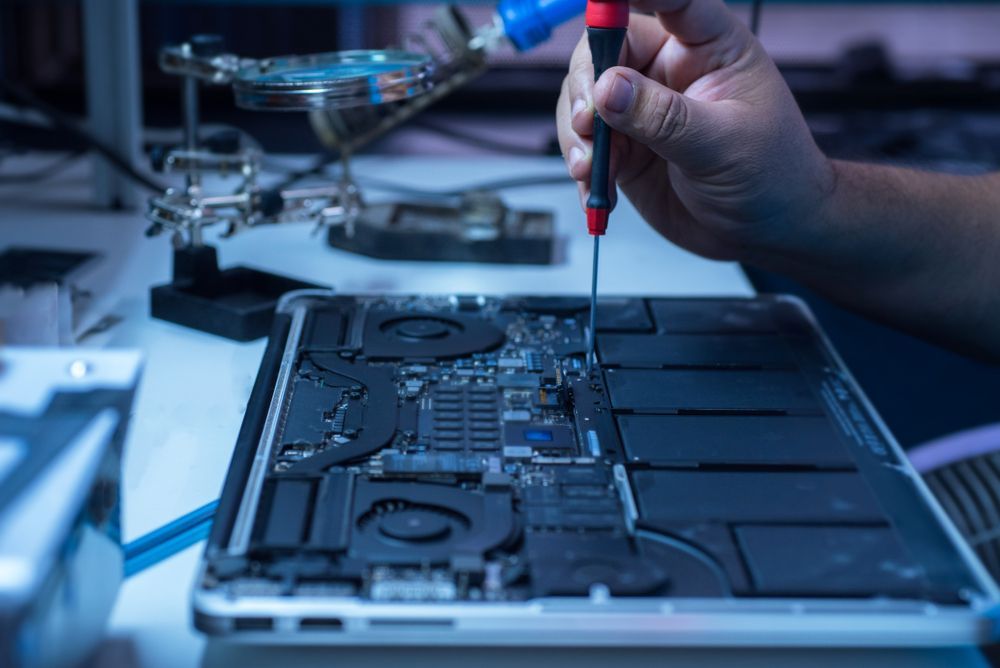
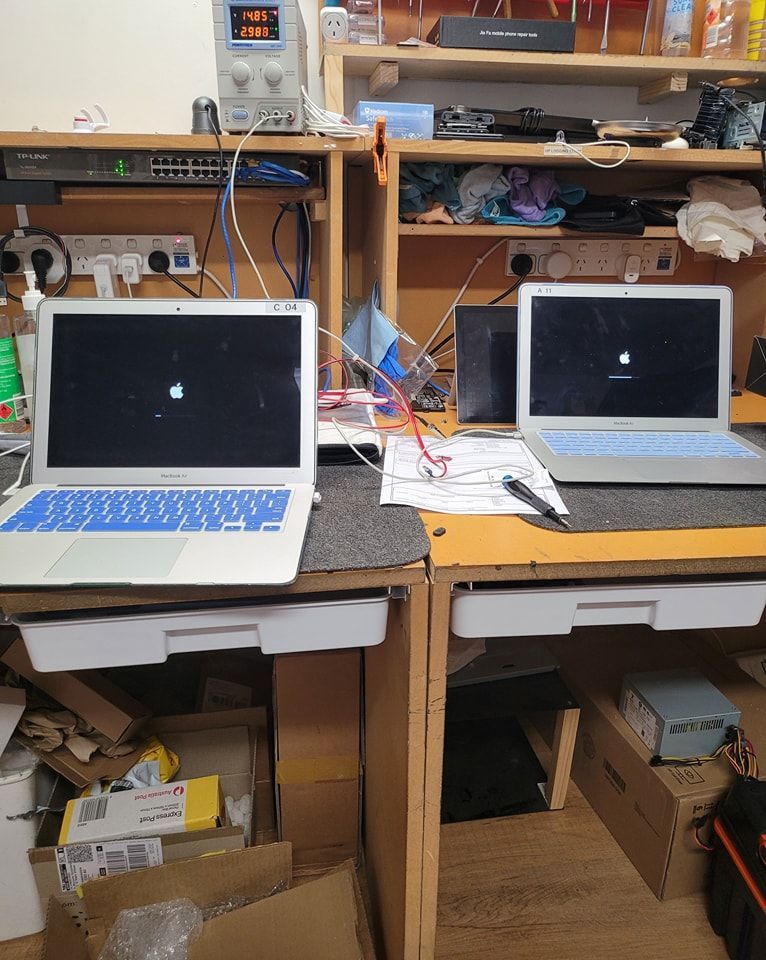
- Workshop-based repairs with the full set of tools to handle complex faults
- Onsite service and pickup/drop-off options available for those who cannot travel
- A broad service range covering virus removal, data recovery, hardware replacement, NBN setup and more
- Straightforward communication about what is wrong and what the fix will involve
Ready to Get Your Computer Running Again?
We at Micromac Computers understand how disruptive a faulty device can be, whether you rely on it for work, study or staying connected at home. If you are searching for computer repairs near me across the Central Coast, our team is ready to help. Get in touch today to book a diagnostic and get a clear, honest assessment of what your computer needs.
Frequently Asked Questions
How do I know if my computer needs repair or replacement?
If your machine is relatively recent and experiencing a specific fault such as a virus infection, a failed hard drive or a cracked screen, repair is usually the more cost-effective option. Older devices may reach a point where the cost of repair outweighs the value of the machine, and a good technician will tell you honestly which situation you are in rather than pushing unnecessary work.
What should I back up before taking my computer in for repair?
It is good practice to back up any documents, photos and important files to an external drive or cloud storage before dropping your device off. While professional technicians take care to preserve your data, some repairs, such as operating system reinstalls, can result in data loss if a backup has not been made beforehand.
How long does a typical computer repair take?
Most standard repairs are completed within one to five business days, depending on the complexity of the fault and whether any parts need to be sourced. A technician should be able to give you a realistic timeframe after completing the initial diagnostic assessment.
Do computer repair services fix all brands?
Most reputable repair workshops will work across all major brands including Windows PCs, Macs, Lenovo, Dell, HP and Acer. It is worth confirming before you book whether the technician has experience with your specific device, particularly if you have an older or less common model.
Is it safe to take my computer in for repairs with my personal data on it?
A professional repair service handles client devices and data with care and confidentiality. If you are concerned, you can back up and remove sensitive files before dropping the device off, or ask the technician directly about their data handling process before you commit.