
Phone Battery Draining Fast? When To Get A Replacement In Central Coast

Micromac Computers • February 19, 2026

Few things are more frustrating than watching your phone battery drop from 40% to 5% in what feels like minutes. You leave home with a decent charge, only to find yourself scrambling for a charger before midday. It interrupts calls, navigation, messages and even basic tasks like checking emails or paying at the register. For many people seeking phone repairs on the Central Coast, rapid battery drain is one of the most common concerns.


Battery issues rarely appear overnight. They build gradually through everyday use, software updates and natural wear. As performance declines, you may notice shorter usage times, slower charging or sudden shutdowns. Understanding why your battery is failing and recognising when it is time for a replacement can help you avoid inconvenience and protect your device long term.

Why Your Phone Battery Drains Faster Than It Used To

Lithium-ion batteries are designed to degrade slowly over time. Every charge cycle reduces their maximum capacity slightly. After a year or two of daily use, that reduction becomes noticeable, especially if you rely heavily on your device for work, streaming or navigation. What once lasted all day may now struggle to reach the afternoon.


Several factors contribute to declining battery performance:


  • Natural ageing of lithium-ion cells
  • High numbers of charging cycles
  • Reduced maximum capacity over time
  • Increased power demand from modern apps


As batteries age, they struggle to hold a full charge. Even if your phone shows 100%, the usable capacity may be far lower than when it was new. During phone repairs on the Central Coast, technicians test battery health to confirm whether reduced capacity is the primary cause of rapid drain.

Common Habits That Shorten Battery Life

Everyday behaviours can quietly speed up battery deterioration. While most people focus on charging, usage habits also play a significant role.


Common battery-draining habits include:


  • Leaving the phone on charge overnight every night
  • Using low-quality or incompatible chargers
  • Running maximum screen brightness constantly
  • Keeping numerous apps active in the background


Heat is another major factor. Gaming, streaming or using navigation apps for extended periods increases internal temperature, which accelerates battery wear. During inspections for phone repairs on the Central Coast, technicians often identify lifestyle factors that contribute to shortened battery lifespan alongside hardware degradation.

Software Issues Vs Hardware Failure: Knowing The Difference

Not all battery problems are caused by a failing battery. Sometimes, software is responsible. Updates can change how apps consume power, and background processes may run inefficiently.


Signs that software could be contributing include:


  • Battery drain after a recent system update
  • Specific apps using unusually high percentages of power
  • Sudden performance lag
  • Inconsistent battery percentage readings


Professional diagnostics help determine whether recalibration, software repair or hardware replacement is required. Accurate testing prevents unnecessary battery replacements and ensures that underlying issues are properly addressed.

Warning Signs Your Battery Needs Replacing

There are clear indicators that a battery has reached the end of its useful life. Ignoring these signs can lead to more serious device problems.


Common warning signs include:


  • Sudden shutdowns even when the charge remains
  • Battery percentage jumping erratically
  • Noticeable swelling in the phone casing
  • Extremely short usage times after full charge


Swelling is particularly serious, as lithium-ion batteries can expand when internal cells degrade. If your phone feels warm during light use or the screen begins to lift from the frame, it is important to seek professional assistance promptly.

The Risks Of Ignoring A Failing Phone Battery

A weak battery does more than inconvenience you. It can impact internal components and device stability.


Potential risks include:


  • Strain on internal circuitry
  • Damage to the screen & casing from swelling
  • Data corruption during unexpected shutdowns
  • Reduced overall device lifespan


Attempting DIY battery replacement without proper tools can also cause damage. Lithium batteries require careful handling and correct installation procedures. Professional phone repairs on the Central Coast ensure safe removal and proper testing after installation.

Extending Battery Life Before You Need A Replacement

While all batteries degrade eventually, certain habits can slow the process. Adopting simple adjustments can extend usability.


Helpful battery care tips include:


  • Lowering screen brightness where possible
  • Closing unused apps running in the background
  • Keeping software updated for efficiency improvements
  • Avoiding extreme heat exposure


Charging between 20% and 80% rather than letting the battery fully drain regularly may also reduce long-term stress. Even with careful use, though, batteries will eventually require replacement, especially after years of daily charging.

Why Professional Battery Replacement Is The Safer Option

Replacing a phone battery involves more than swapping components. Modern devices are tightly sealed and contain delicate connectors.


Professional battery replacement includes:


  • Safe removal of the old lithium battery
  • Installation of quality replacement components
  • Careful resealing of the device
  • Post-repair testing for stability & performance


Technicians also inspect surrounding components for heat damage or corrosion. When combined with other services such as screen repairs, a professional assessment ensures your device functions reliably after the repair is complete.

When To Visit A Phone Repair Technician On The Central Coast

Sometimes the signs are obvious. Other times, battery decline creeps in gradually. If your phone struggles to last half a day or frequently overheats, it may be time to seek assistance.


Situations that warrant professional inspection include:


  • Battery draining within a few hours of light use
  • Regular overheating during normal tasks
  • Unexpected shutdowns despite moderate charge
  • Physical damage alongside battery issues


If your device has also suffered screen damage or other hardware faults, addressing everything in one appointment can save time and prevent further complications. A professional technician can assess the overall condition of your phone and recommend the most practical solution to restore reliable performance.

Take Action Before Small Issues Become Big Problems

A rapidly draining battery is more than a nuisance. It disrupts daily communication, work and navigation. Acting early prevents further complications and protects your investment.


At Micromac Computers, we diagnose battery performance issues, test internal components and provide safe replacement solutions for local customers dealing with unreliable devices. If your phone struggles to hold a charge, overheats regularly or shuts down unexpectedly, book an assessment today and restore dependable performance before the problem escalates.

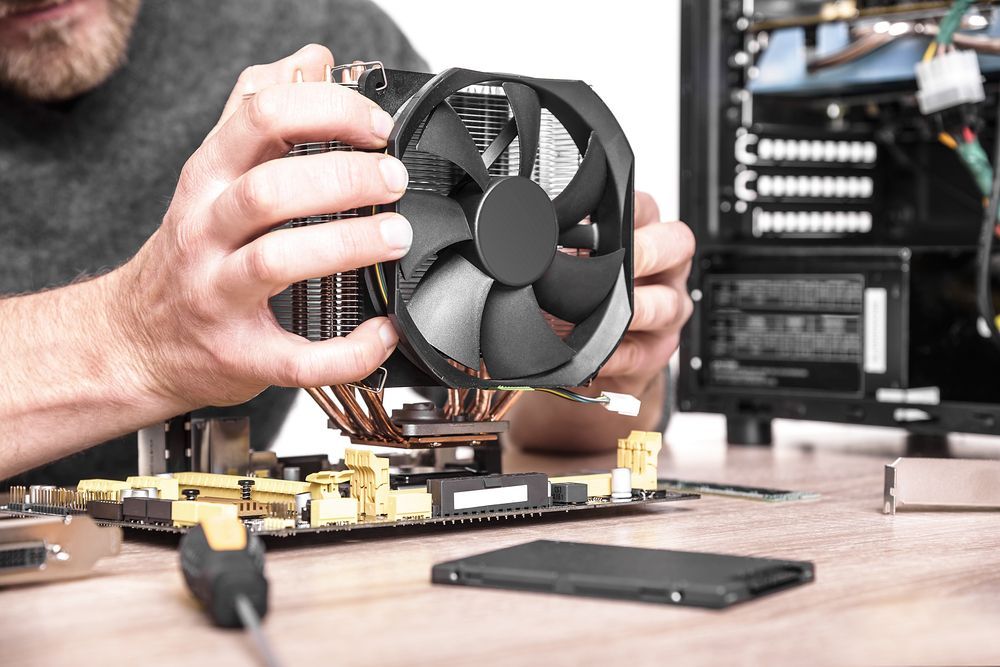
Close up of technician replacing cooling fan in a tower-style desktop computer.
By Micromac Computers August 5, 2026
Not sure which computer repair service to trust on the Central Coast? Here's what to look for, plus why locals choose Micromac Computers.
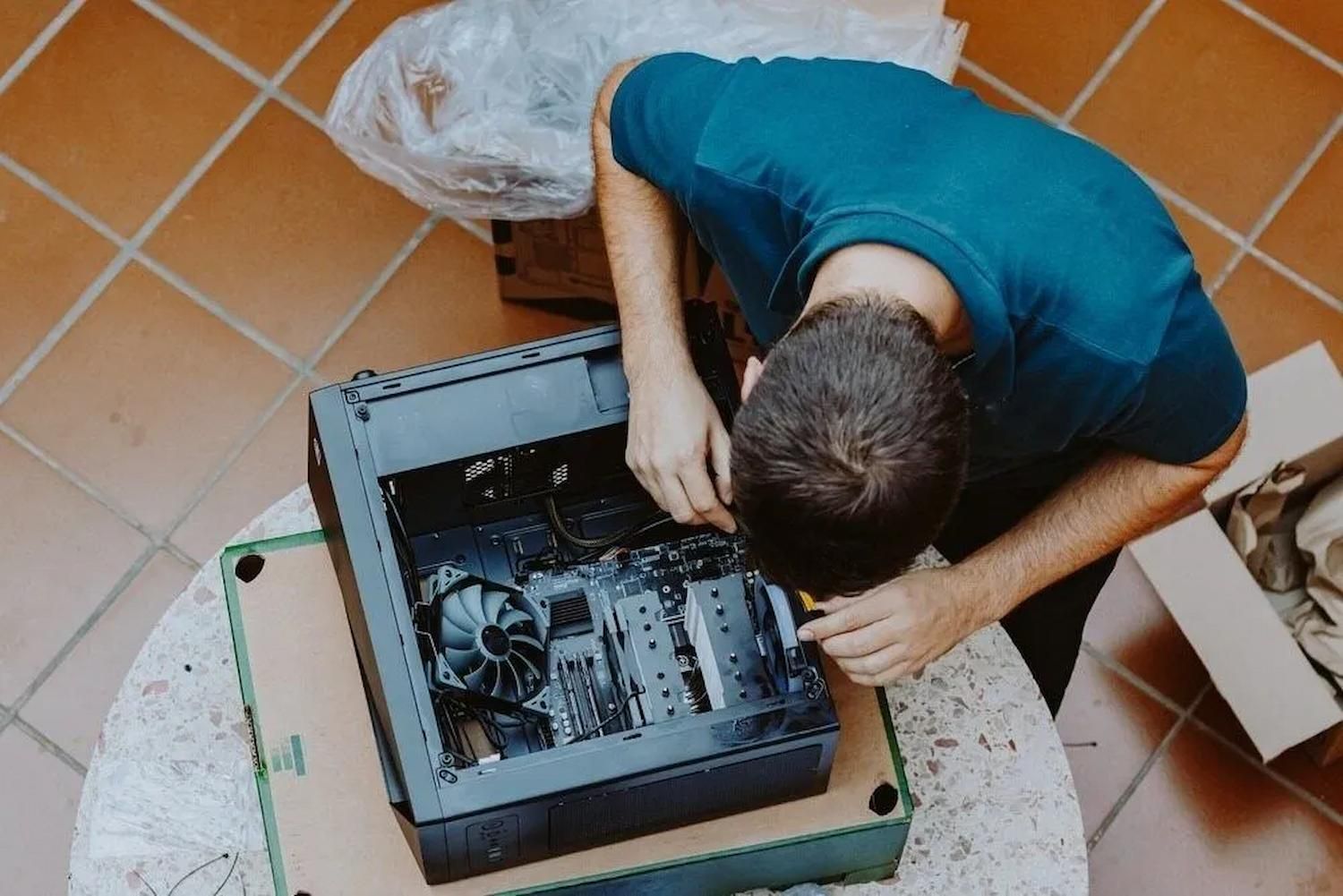
Tech Repairs In Charmhaven Fixing A Desktop Computer
By Micromac Computers June 30, 2026
Need lasting solutions? Compare DIY with tech repairs in Charmhaven to avoid costly mistakes and make the right choice. Read the guide today.
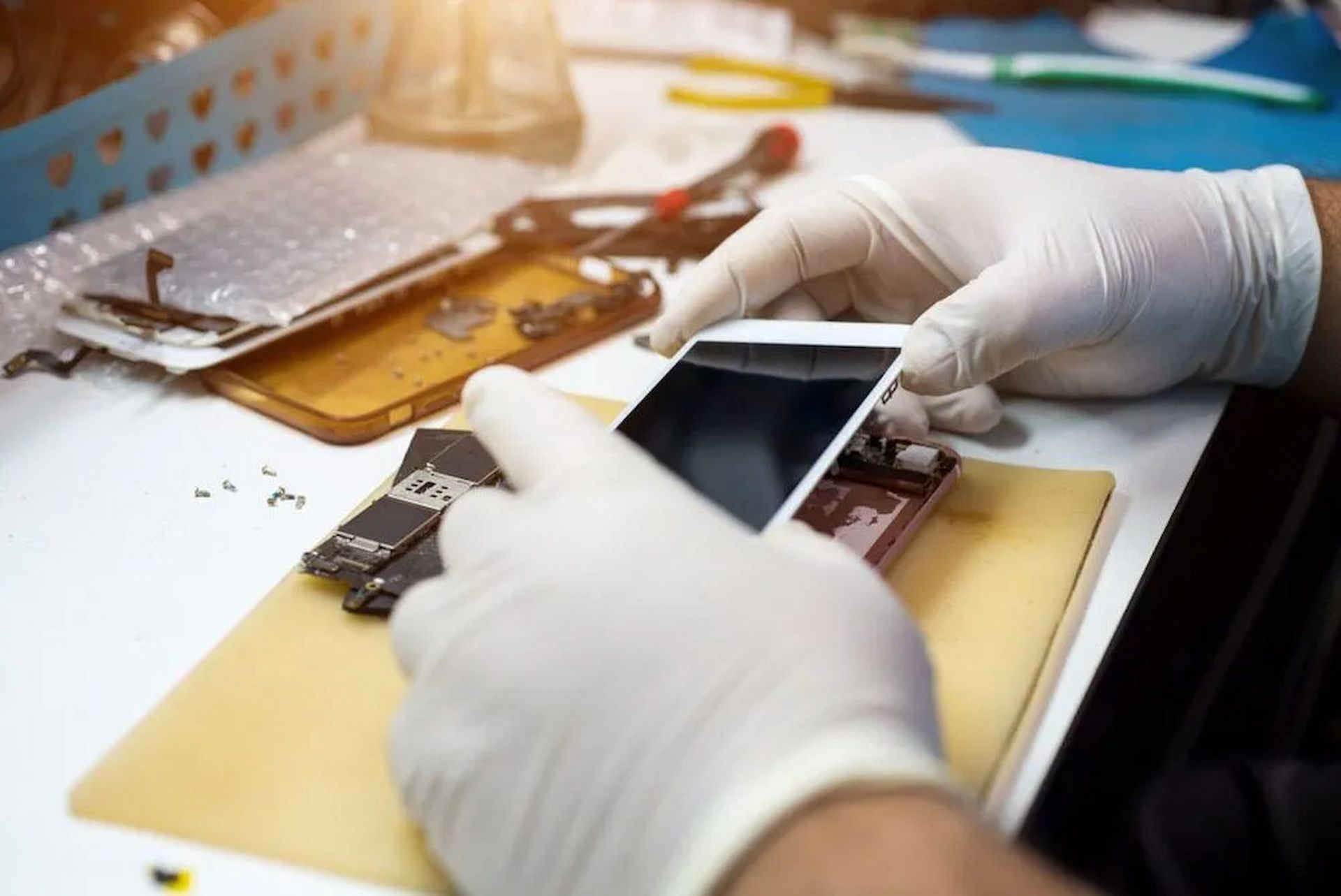
Technician Performing Phone Repairs On The Central Coast
By Micromac Computers June 1, 2026
Discover common phone issues and expert solutions with phone repairs on the Central Coast. Read the guide and get your device working again.
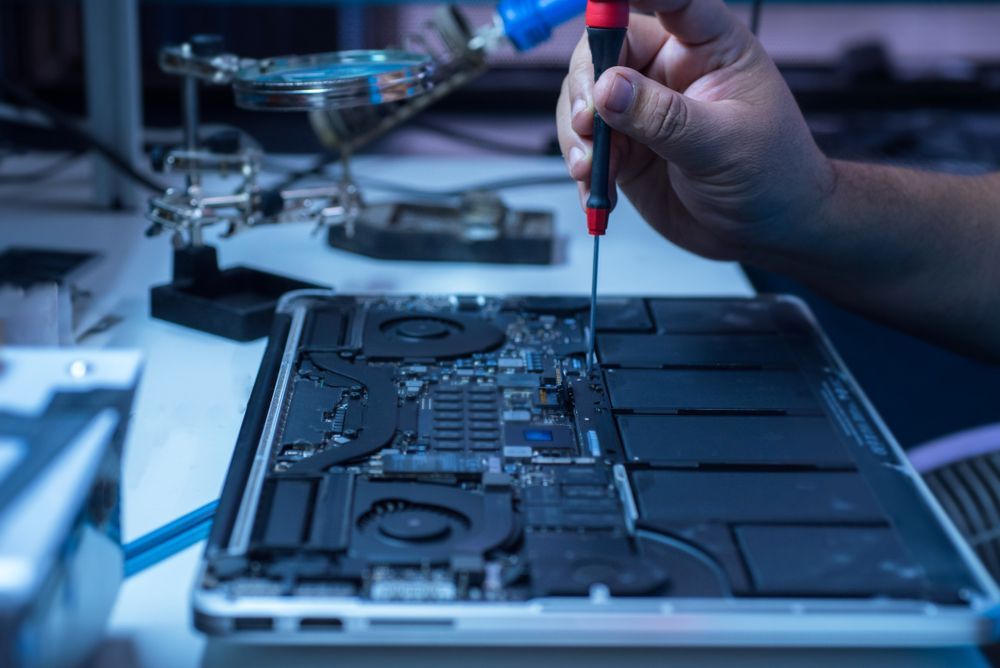
Technician repairing a laptop’s internal components with a precision screwdriver.
By Micromac Computers March 31, 2026
Spot the warning signs your computer needs repair, from slow performance and crashes to data risks, downtime and worsening hardware issues early.
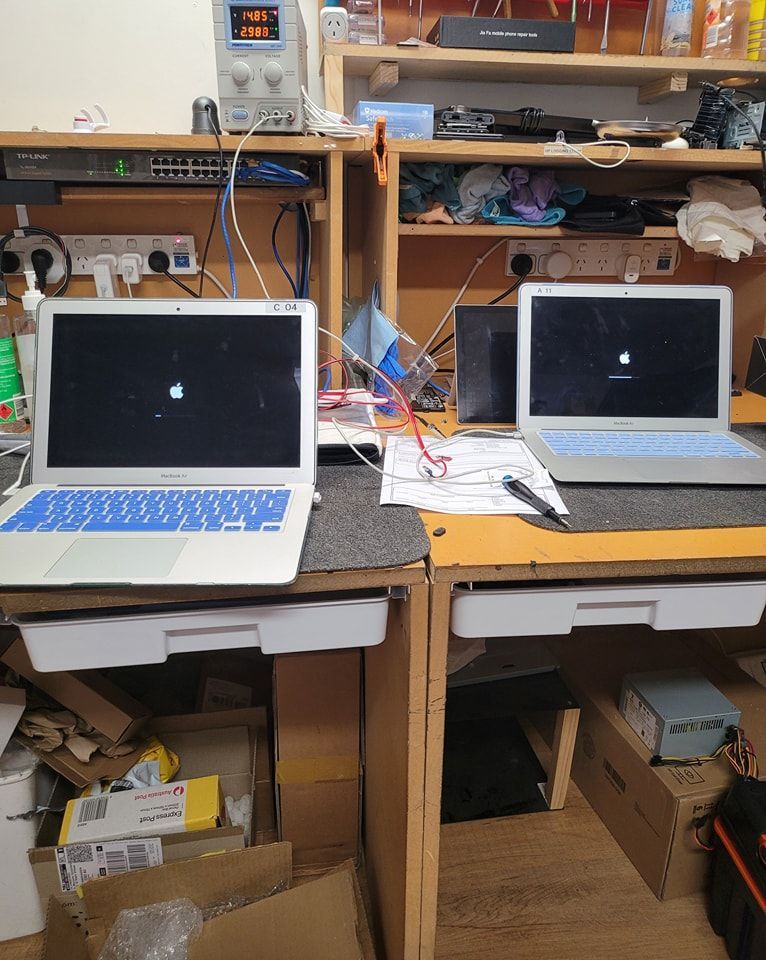
Two MacBooks Displaying Common Computer Problems Screens
By Micromac Computers March 26, 2026
Discover how expert technicians solve common computer problems. Get reliable computer repairs in Central Coast and keep your devices running smoothly.